
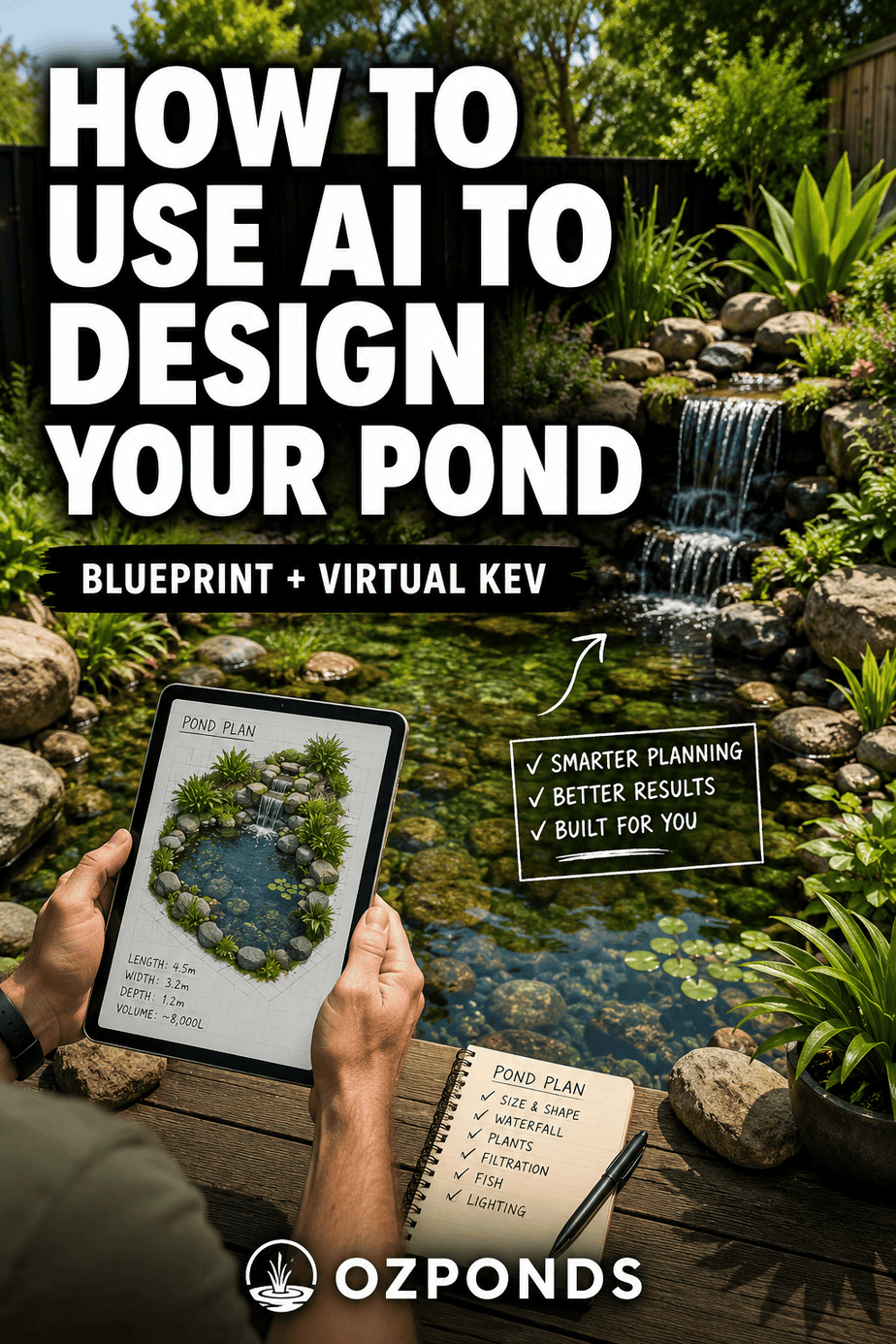
AI can be an incredibly useful tool when you’re planning a pond.
It can calculate pond volume, help size filters, work out flow rates, check your maths and talk through different ideas almost instantly.
But there’s a catch.
AI doesn’t actually build ponds.
It doesn’t have real-world experience dealing with awkward rocks, limited space, strange plumbing layouts or that fitting you thought would work until you tried to put everything together.
That’s why I don’t think AI should design your entire pond for you.
Instead, I think it works best as a pond-planning assistant.
That’s the idea behind Virtual Kev, the AI assistant I created for people using my Pond Formulas Blueprint.
In this article, I’ll explain how I recommend using it, what it’s particularly good at, and where I think you should be cautious.
What Is Virtual Kev?
Over the years I’ve received more and more questions from people trying to design and build their own ponds.
There’s only one of me, so eventually it became impossible to answer everyone individually.
I originally created the Pond Formulas Blueprint to solve part of that problem.
The Blueprint lays out the system I use when planning my own ponds, including things such as:
- estimating pond volume
- sizing filtration
- calculating flow rates
- choosing pumps
- designing bog filters
- sizing streams and waterfalls
- calculating water in motion
- working out rock quantities
- considering circulation and aeration
But even with all that information laid out, people naturally have questions about how the principles apply to their particular pond.
That’s where Virtual Kev comes in.
It’s an AI assistant designed to help Blueprint members work through the same basic thought process I use when planning a pond.
You can ask questions, challenge the answers, ask it to explain something differently and keep going until the idea makes sense.
What Is the Best Way to Use AI for Pond Design?
The best place to start is surprisingly simple:
Tell it what you’re trying to build.
Don’t begin by asking it to design your entire plumbing system or produce a complete schematic.
Start with the basics.
For example:
I want to build a 3m x 4m goldfish pond with an average depth of about 60cm. I’d like a bog filter, small waterfall and intake bay.
From there, the first thing I generally want to establish is the approximate pond volume.
1. Work Out the Pond Volume
Almost everything else depends on roughly how much water the pond contains.
The volume influences:
- filtration requirements
- pump size
- circulation
- aeration
- plumbing
- stocking levels
- water features
Virtual Kev will usually start here for exactly that reason.
It doesn’t need to be accurate down to the last litre.
For pond planning, a sensible estimate is usually far more useful than pretending we know the exact volume of an irregular hole in the ground.
2. Work Through the Pond One Decision at a Time
Once you have an estimated volume, you can start working through the rest of the system.
This is where AI becomes particularly useful.
Instead of trying to solve everything at once, ask one question at a time.
You might ask:
- How large should my bog filter be?
- How much flow should go through the bog?
- How much additional flow will my waterfall need?
- How much water will be held in my stream when the pump is running?
- What size pump should I consider?
- Do I need additional aeration?
- How much rock will I need?
- Can you show me how you calculated that?
This approach also makes it much easier to spot an answer that doesn’t look right.
3. Use AI for the Boring Pond Calculations
This is probably where I find Virtual Kev most useful.
There are lots of fairly repetitive calculations involved in planning a pond.
Once you’ve entered the relevant information, AI can perform these calculations almost instantly.
It can help estimate things such as:
Pond volume
Volume gives us the foundation for many of the calculations that follow.
Bog filter size
The required bog size will depend on what you’re planning to keep in the pond and the biological load you expect the system to handle.
Bog filter flow rate
Once the bog volume has been estimated, we can start calculating the required water flow through it.
Waterfall and stream flow
A wider waterfall generally needs more flow if you want it to look full rather than like a trickle.
Water in motion
Streams, waterfalls, bog filters and other features can hold a surprising amount of water while the pump is running.
That water has to come from somewhere.
Understanding water in motion is particularly important when you’re designing intake bays, negative edges and reservoirs.
Pump requirements
Once the different flow requirements are understood, you can start estimating the total pump flow you actually need.
Rock quantities
AI can also help perform the rough calculations involved in estimating gravel and rock quantities for filters and pond construction.
And if you’re unsure about an answer, ask:
“Show me how you calculated that.”
That’s one of the most useful features.
Instead of simply accepting a number, you can see the maths behind it and compare that calculation with the formulas inside the Blueprint.
4. Don’t Blindly Trust the AI
This is important.
AI can make mistakes.
Virtual Kev even tells you this when you open it.
I recommend checking important calculations against the formulas in the Blueprint rather than simply accepting whatever answer the AI produces.
This isn’t just about catching mistakes.
Doing the calculation yourself helps you understand why you’re choosing a particular filter size, pump or flow rate.
That’s important because ultimately you’re the one building the pond.
The AI isn’t standing beside you when you’re trying to work out why a pipe won’t fit behind a rock.
What Shouldn’t You Ask AI to Do?
There are two things I currently don’t recommend relying on Virtual Kev for.
Don’t Ask It to Design Your Entire Pond as a Diagram
AI can sometimes produce something that looks convincing.
That doesn’t necessarily mean the design makes sense.
Every pond is different.
Your site might have:
- different elevations
- unusual shapes
- existing structures
- limited access
- different plumbing materials
- different pumps
- different filters
- different maintenance requirements
Creating a complete real-world system requires more than applying formulas.
It requires understanding how everything physically fits together.
Don’t Ask It for a Complete Plumbing Shopping List
This causes a similar problem.
Virtual Kev can help you understand what the plumbing needs to accomplish, but asking it to nominate every fitting for a unique pond can quickly become unreliable.
One small change to the layout might require completely different elbows, valves, reducers, bulkheads or pipe lengths.
Instead, I prefer to understand the principles first and then adapt the plumbing to the actual pond.
AI Is Good at Maths. Humans Are Better at Building Ponds.
This is probably the simplest way I can explain how I see it.
AI is very good at processing information.
It can quickly help you work out:
Pond volume → filtration → flow requirements → water features → circulation → pump requirements.
But building a pond also involves creativity and practical problem solving.
You need to think about:
- how water will physically move through the pond
- where debris will collect
- how you’ll access the pump
- how you’ll clean the filter
- where pipes can actually run
- what materials are available locally
- how everything will look when finished
- how you’ll hide the equipment
Those are some of the reasons I’ve included practical videos alongside the calculations in the Blueprint.
I can show you how I’ve put my systems together, and then you can adapt those ideas to your own pond.
Why I Use the Blueprint and Virtual Kev Together
I don’t see Virtual Kev as a replacement for the Blueprint.
They’re designed to work together.
Think of the Blueprint as the road map.
It contains the formulas, principles and order of decisions I use when designing a pond.
Virtual Kev is the assistant sitting beside you helping you work through it.
You can say:
I don’t understand this calculation.
Or:
Can you explain this another way?
Or:
Here’s the pond I’m planning. Which part of the Blueprint should I work through next?
You can keep asking questions without worrying that you’re annoying anyone.
That’s one of the things I personally like about AI.
Sometimes you need something explained three or four different ways before it finally clicks.
AI doesn’t mind.
There’s Also a Private Pond-Building Community
Blueprint members also have access to the private Ozponds community.
I like having the community restricted to people working from the same basic pond-building principles.
Open pond groups can be useful, but they can also become confusing very quickly.
Ask one question and you might receive ten completely different answers.
Inside the Blueprint community, people can share what they’re building, ask questions and show how they’ve adapted the principles to the materials and conditions available to them.
And that’s where some of the best ideas come from.
There isn’t one correct way to build a pond.
People are using drums, tanks, crates, rocks, recycled materials and all sorts of other things to create systems that suit their own yards.
I try to get into the community regularly and help where I can as well.
How to Access Virtual Kev
Virtual Kev is included with the Pond Formulas Blueprint.
You’ll find the link in the Helpful Resources section of the Blueprint.
Because you can download the Blueprint to your phone or tablet, you can also take both the guide and Virtual Kev outside with you while you’re working on the pond.
That means you can check calculations or look something up while you’re actually building.
A Simple Way to Use Virtual Kev
If you’re starting a new pond, I’d use it something like this:
Step 1: Describe the pond you want to build.
Step 2: Estimate the pond dimensions and volume.
Step 3: Decide what will live in the pond.
Step 4: Work out the required filtration.
Step 5: Calculate the required flow through the filters.
Step 6: Add the flow required for waterfalls, streams, jets or other features.
Step 7: Calculate water in motion where necessary.
Step 8: Estimate your pump requirements.
Step 9: Check the calculations against the Blueprint.
Step 10: Use the videos, community and your own judgement to determine how everything will physically go together.
You don’t need to ask the AI to solve everything at once.
In fact, you’ll probably get better results if you don’t.
Can AI Design a Pond for You?
AI can certainly help you design a pond, but I wouldn’t hand the entire project over to it.
Use AI for what it’s good at:
calculations, explanations, comparisons and working through ideas.
Then combine that with proven pond-building principles, real examples and your own understanding of the site.
That’s the approach I’ve tried to create with the Pond Formulas Blueprint, Virtual Kev and the Ozponds community.
The goal isn’t for a computer to build your pond.
It’s to give you enough information and confidence to create something that works for your yard.
And hopefully something pretty special.
If you’d like to learn more about the Pond Formulas Blueprint and Virtual Kev, you can find the details here:
[Learn more about the Pond Formulas Blueprint]
And when you’ve finished your pond, I’d love to see it.
[Share your pond with Ozponds]
About to build a pond… or already have one?
Sign up for my email list and I’ll send you DIY-friendly pond tips, along with a few helpful tools like calculators, gear recommendations, and more.